Images are often the heaviest part of a website. The WebP Pro Converter is your professional tool to make your websites lightning-fast by converting images into the modern WebP format—without losing quality.
1. Zero-Server Pipeline (Privacy First)
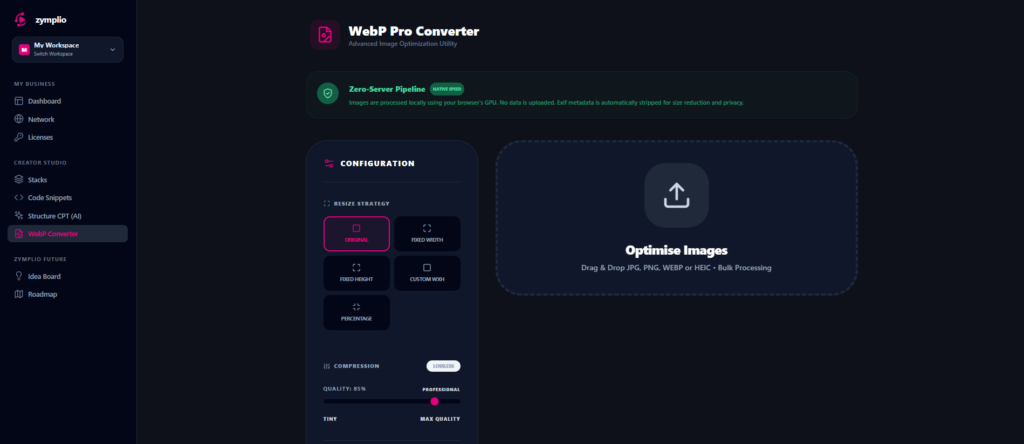
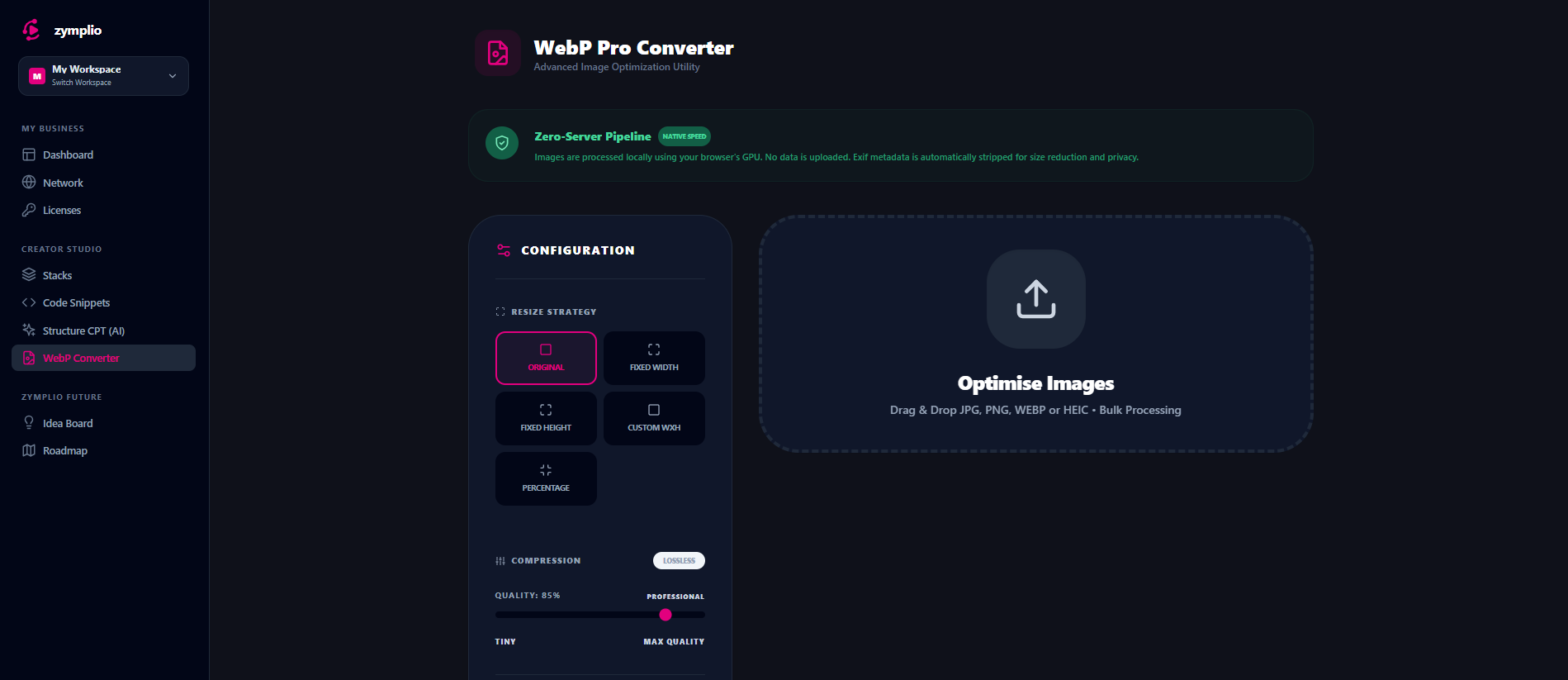
Unlike other tools, zymplio processes your images locally in your browser.
- Total Privacy: Your images are never uploaded to our servers.
- Native Speed: We use your computer’s GPU to convert images instantly.
- Automatic Cleaning: The converter automatically removes “Exif Data” (hidden metadata) to protect your privacy and save even more space.
2. Smart Resize Strategies
Sometimes you don’t just want to convert; you want to resize. Choose the strategy that fits your project:
- Original: Keep the exact dimensions.
- Fixed Width/Height: Perfect for ensuring all your blog thumbnails have the same size.
- Percentage: Quickly scale down large high-res photos (e.g., to 50%).
3. Pro Compression & Lossless Mode
You have full control over the balance between file size and quality:
- Quality Slider: Adjust from 10% to 100%. Usually, 80% is the “sweet spot” for perfect quality at tiny sizes.
- Lossless Mode: Use this for logos, icons, or graphics where every single pixel must be perfect.
4. Visual Comparison (Before & After)
Don’t guess—see the results! Use the Compare button to open a visual slider. You can drag it across your image to see exactly how the original looks compared to the optimized WebP version.
How to Optimize Your Workflow
- Bulk Upload: Drag and drop a whole folder of images (JPG, PNG, or HEIC) into the drop zone.
- Batch Rename: Add a prefix (like “shop-“) or a suffix (like “-optimized”) to all your files at once.
- Push to WordPress: This is the best part! If you have a site connected via the zymplio Bridge, you can click “Push to Site.” zymplio will upload the optimized images directly into your WordPress Media Library. No manual downloading and re-uploading required!