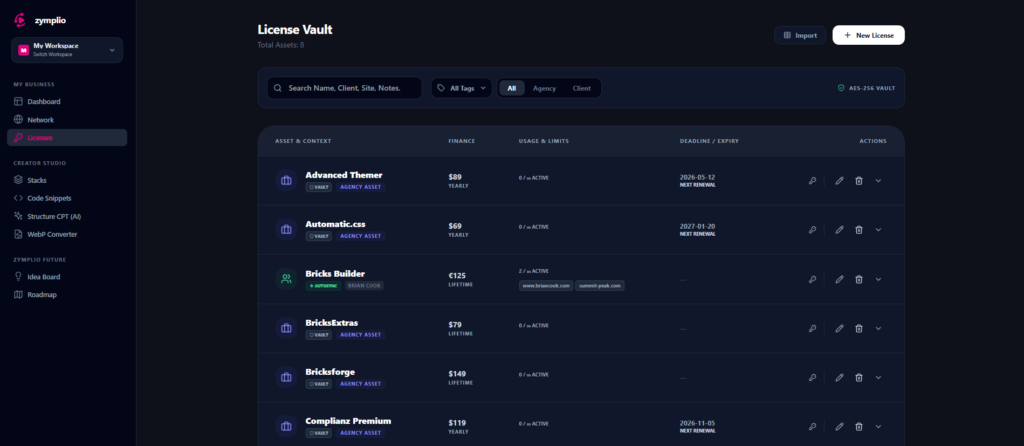
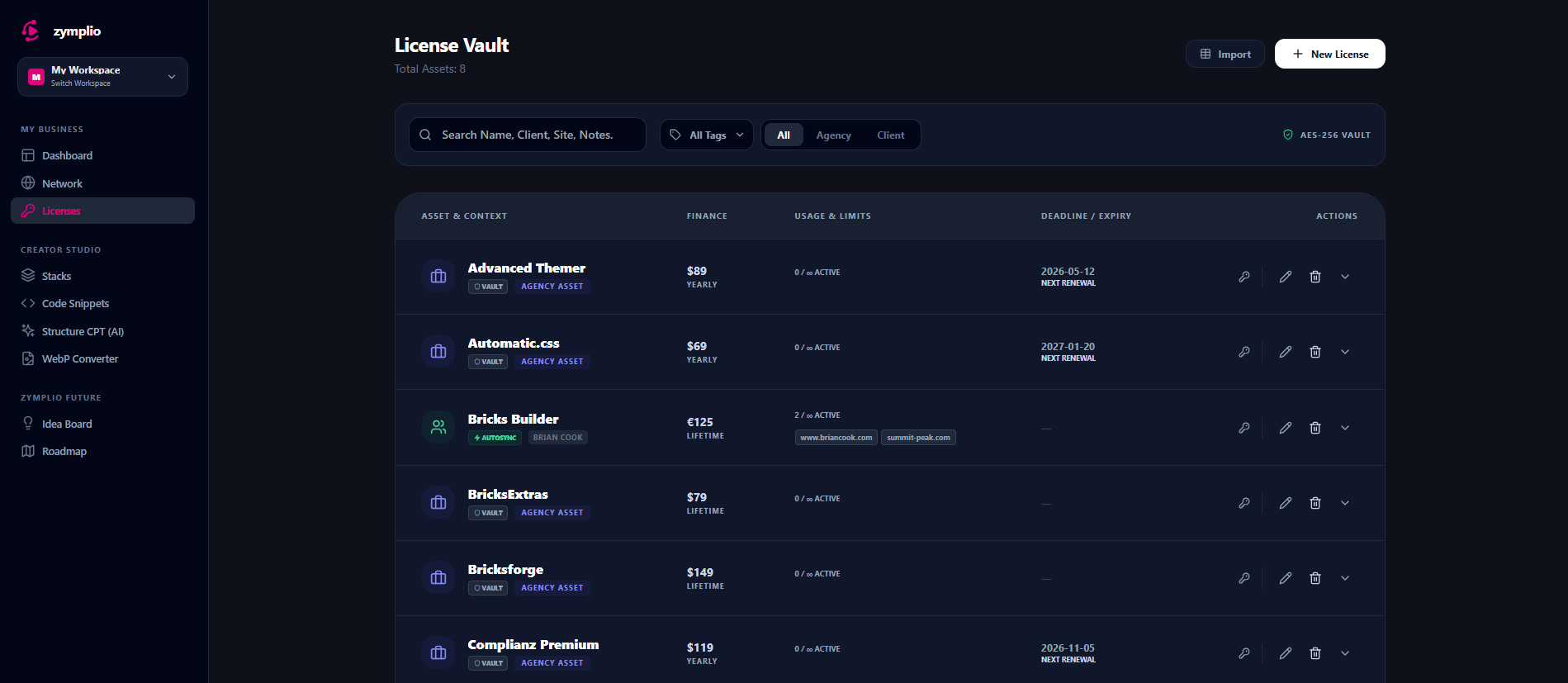
The License Vault is the high-security heart of zymplio. It is where you store, encrypt, and manage all your WordPress plugins, themes, and software licenses. No more digging through old emails or messy spreadsheets—everything is organized and ready for deployment.
1. Zero-Knowledge Encryption (AES-256)
Security is our top priority. When you save a license key in the Vault, it is protected by AES-256 encryption.
- Your Key, Your Control: We use a “Zero-Knowledge” approach. This means your sensitive keys are encrypted before they even reach our database. Only you hold the key to unlock them. Not even the zymplio team can see your license keys.
2. Smart Sync & Automation
The Vault is not just a static list; it is an active part of your workflow. We use different “Sync Modes” to make your life easier:
- Autosync: For supported plugins, zymplio automatically handles the activation and updates on your WordPress sites.
- Smart Sync: This mode links your assets and helps you copy-paste keys or manage them with a single click.
- Vault Mode: A secure storage mode for assets that you just want to keep safe and organized.
3. Financial & Deadline Monitoring
The Vault helps you keep your agency’s budget under control:
- Money-Back Deadlines: If you buy a new tool with a “30-day money-back guarantee,” you can set a return date. The Vault will show you a countdown, so you never miss a refund window.
- Renewal Tracking: See exactly when your next payment is due. The Vault tracks yearly, monthly, and lifetime licenses.
- Annual Burn Rate: Every license in your Vault contributes to the financial overview in your Agency Cockpit.
4. Usage & Site Limits
Never lose track of where your licenses are being used:
- Active Deployments: See exactly which websites are currently using a specific license.
- Slot Management: If a license has a limit (e.g., “5 Sites”), the Vault shows you how many slots are still available.
- Quick Copy: Need a key manually? Use the Quick Copy icons to grab your license key, Public API, or Private API keys instantly without opening the full record.
5. Bulk Import & Organization
- CSV Import: Moving from a spreadsheet to zymplio? Use our Bulk Import feature to upload all your licenses at once.
- Tags & Categories: Organize your assets by “Agency” or “Client” and use custom tags to find exactly what you need in seconds.